
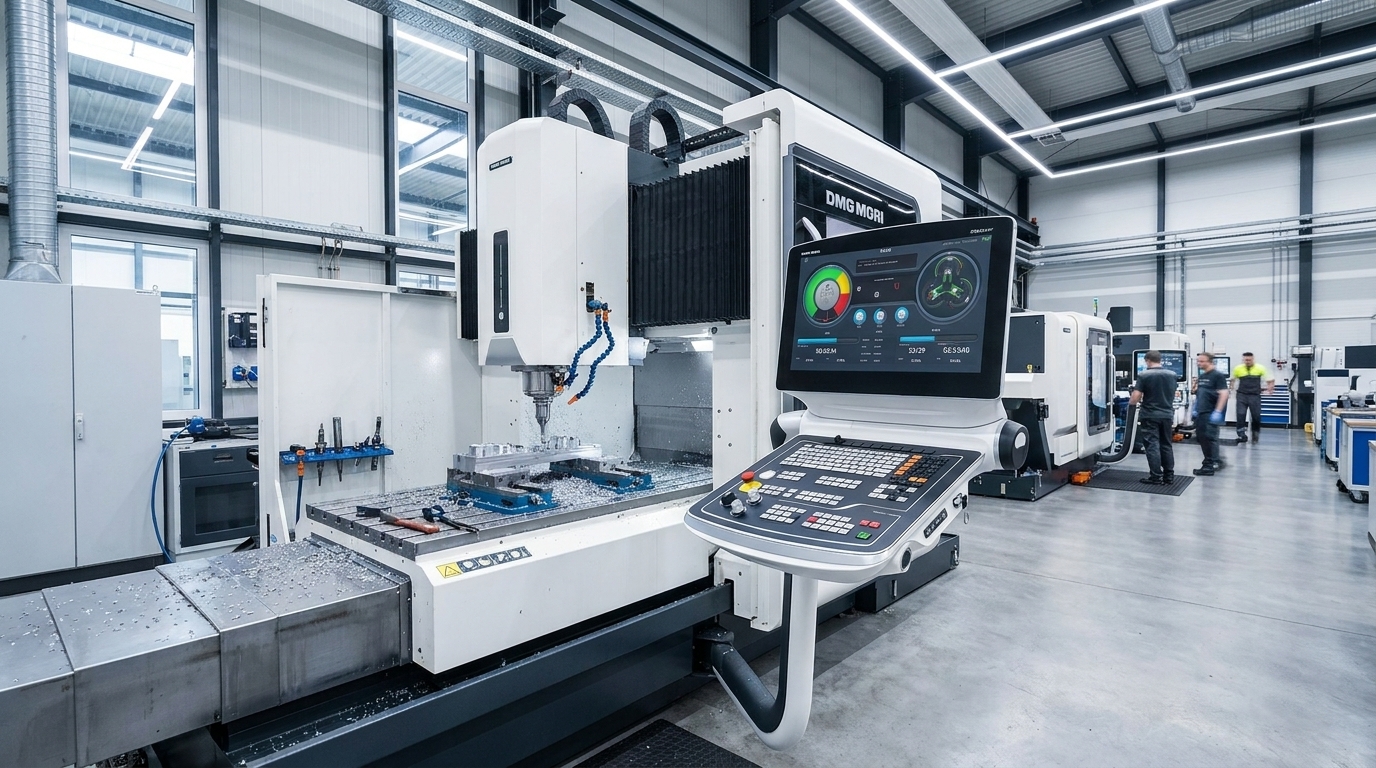
A Heidenhain TNC error screen under production pressure is a different beast from the Fanuc equivalents most shops are used to. The TNC dialogue system is verbose — it tells you what went wrong — but the message alone doesn't tell you whether the fix is a five-minute parameter check or a service engineer's visit. This guide bridges that gap.
Heidenhain TNC controls — iTNC 530, TNC 430, TNC 640, TNC 320, and the newer TNC7 — share a common error architecture. Faults split into two families: NC errors (numerical control — axis motion, program execution, encoder feedback) and PLC errors (machine-side — tool changers, coolant, interlocks, emergency stops). Knowing which bucket you're in before you open a cabinet door saves hours.
How the TNC Error System Works
Before diving into specific codes, understand the tools the control gives you:
| Tool | How to Access | What It Shows |
|---|---|---|
| HELP key | Press HELP with error visible | Cause + corrective action for that error |
| Logbook | ERR → LOG FILES → LOG (TNC 640/320/iTNC 530) | Timestamped history of every error, keystroke, and state change |
| PLC diagnostics | MOD → CODE NUMBER → enter diagnostic code | Live I/O states, timer values, PLC flag status |
| Oscilloscope | Service menu (password-protected) | Real-time axis position, velocity, following error traces |
| TNCremo | External PC via Ethernet/RS232 | Remote log extraction, file backup, parameter comparison |
The logbook is the single most valuable diagnostic. Before clearing any error, scroll back through the log to see if a cascade of secondary faults preceded it. A "positioning error" at 14:32:17 might have a "standstill monitoring" warning at 14:32:15 — the standstill fault is the cause, the positioning error is the symptom.
Error Groups at a Glance
| Group | Typical Prefix/Indicator | Subsystem | Field-Fixable? |
|---|---|---|---|
| Processor checks | 0–9, S, F, G, J, K | Control CPU, RAM, CRC | ❌ Service agency |
| Checksum errors | A–E | EPROM/PLC program CRC | ❌ Service agency |
| Axis positioning | "Positioning error", "Movement monitoring" | Servo, encoder, mechanical | ⚠️ Sometimes |
| Program errors | "TOOL DEF", "FN 14:", "Angle cannot be calculated" | Part program, tool table | ✅ Usually |
| Tool change | OEM-specific messages | Tool changer hardware, PLC | ⚠️ Depends on OEM |
| Network errors | "Can't connect to network" | Ethernet, network drives | ✅ Usually |
| Emergency stop | "182", "Control-Is-Ready" | E-stop chain, MCC | ✅ Often |
| PLC messages | OEM-defined text | Machine-specific (coolant, guarding, etc.) | ⚠️ See manual |
Positioning Errors — The Field Engineer's Bread and Butter
Positioning faults are the most common TNC errors you'll see on-site. They break down into distinct sub-types, each with a different diagnostic path.
"Positioning Error" (Monitor)
The TNC compares commanded position against actual encoder feedback. When the difference exceeds the limit in machine parameter MP1710.x (or MP1410.x on older controls), it trips.
First checks — before touching parameters:
- Is the axis physically free? Handwheel it through its travel. Binding at a specific point = mechanical, not control.
- Any recent crash? A tool collision can knock the axis out of alignment, shift the thrust bearing, or crack an encoder mount.
- Encoder cable condition — look for oil ingress at connectors, kinked cables in cable chains, loose DB connectors.
- Ground integrity — a floating earth on the encoder shield produces exactly the intermittent "position error" that clears on restart and returns at random.
Parameter checks (if mechanical/electrical is clean):
- MP1710.x (positioning window): too tight a tolerance for an aging machine produces false faults. Widening slightly as machines wear is standard practice.
- MP1110.x (standstill monitoring): if an axis drifts at rest, check the servo balance and drift compensation before altering this.
- MP1140.x (movement monitoring): reduced feed rates on heavy cuts can trigger movement monitoring if this parameter is set for full-speed operation.
"Standstill Monitoring Error"
The axis is supposed to be stationary but the control sees movement. Common causes:
- Hydraulic counterbalance failure on vertical axes — the weight of the head drifts, the servo fights back, standstill monitor trips. Check pressure gauge first.
- Drift compensation lost after a parameter clear or battery change.
- Scale contamination — Heidenhain linear scales with exposed gratings (common on older machines) are vulnerable to coolant mist or oil film. Clean with the Heidenhain-recommended solvent, not degreaser.
"Gross Positioning Error"
This almost always means the axis moved in the wrong direction or at an impossible speed relative to the commanded value. Check:
- Motor power cable phase rotation — swapped phases after a drive replacement produce exactly this.
- Encoder count direction — if the encoder is counting opposite to the motor, the control sees runaway error.
- Central drive configuration — on TNC 640 with central drive topology, a configuration mismatch between control and drive produces gross errors at power-up.
Tool Change Faults — OEM Territory, But You Can Narrow It Down
Heidenhain TNC controls don't own the tool change sequence. The machine builder writes it in the PLC. So "tool change error" means something different on every machine. What you can do:
- Check the tool table: If the error references TOOL.T, the tool file is either corrupted or being edited during a TOOL CALL — wait for the call to finish before pressing EDIT ON/OFF.
- Air pressure: The #1 field fix for stuck tool changers is low air. Check the regulator at the machine inlet before assuming mechanical failure.
- Cycle Start: On many iTNC 530 / TNC 640 implementations, pressing Cycle Start will complete a hung tool change arm cycle if no hard interlock is tripped.
- Logbook context: Look at what happened in the 30 seconds before the tool change fault. Did a limit switch fail to make? Did the spindle orient timeout? The tool change error is the effect, not the cause.
For the rest — recovery sequences, carousel homing, arm position sensors — you need the machine builder's manual. The TNC can't help you with OEM-specific hardware.
Program Errors — Usually Self-Inflicted
These are the easiest to fix because they're deterministic. The program told the control to do something impossible.
| Error | Meaning | Fix |
|---|---|---|
| "60 Two TOOL DEF with PGM CALL" | Same tool number defined twice in nested programs | Delete redundant TOOL DEF or use different tool number |
| "58 Limit switch" | Calculated tool path exceeds software limits | Check programmed coordinates, verify datum offset |
| "59 FN 14: error code" | Programmer-forced error via FN14/D14 | This is intentional — the machine builder programmed this stop. Check their documentation. |
| "Angle cannot be calculated" | TNC can't solve the kinematic chain | Check SEQ, verify traversing range, add M138 on 3-axis rotary machines |
| "Insufficient memory" | Program storage full | Delete unused part programs, check hard disk space on TNC 640 |
Network Errors — The Modern Headache
TNC 640 and TNC7 controls running connected factory setups commonly throw network faults. The error "120-001E: Can't connect to network" means the TNC can't reach a configured network drive.
Quick triage:
- Can you ping the TNC from a laptop on the same subnet? If yes, the hardware is fine — the issue is the target server.
- Check the network drive mount — on TNC 640, MOD → NETWORK MANAGEMENT → check connection status.
- DNS vs IP — if the drive is mapped by hostname and DNS fails, switch to IP address temporarily.
- Cable — yes, sometimes it's the cable. Check the link light at both ends.
Emergency Stop (Error 182)
"Control-Is-Ready signal absent" is the TNC's way of saying something in the E-stop chain is open. The chain includes:
- Physical E-stop buttons
- Axis overtravel limit switches
- Cabinet door interlocks
- Spindle drive READY contacts
- Axis drive READY contacts
- MCC (Magnetic Contactor) feedback
Diagnostic approach: Follow the chain. Most machines have E-stop chain status LEDs on the PLC I/O board or in the electrical cabinet. If you don't have the schematic, use the PLC diagnostics screen to trace which input is low.
A weak MCC contactor that drops out under load is a classic intermittent — the machine stops during a heavy cut, shows error 182, and restarts fine five minutes later. Replace the contactor.
The Field Diagnosis Protocol
When you walk up to a TNC that's down, follow this order:
1. Back Up First — Always
Before clearing any error or changing any parameter:
MOD → enter code → BACKUP → select all → external storage or TNCremo
Parameter loss during fault recovery is unrecoverable without a backup. This takes two minutes and has saved more machines than any other single habit.
2. Read the Logbook
Don't trust the current error alone. The logbook shows the sequence. Three positioning errors in 10 seconds means something different from one isolated fault.
3. Isolate NC vs PLC
NC error: the TNC knows what it is, the HELP key gives useful information, the fault is in motion control or program execution.
PLC error: the message text comes from the machine builder, the HELP key may show nothing useful, the fault is in the machine's electrical/mechanical systems.
4. Check the Mechanical First
Motors, drives, and encoders get blamed for loose couplings, dry slides, and contaminated scales. The control is rarely the root cause of a positioning fault — it's usually reporting a mechanical reality it can't compensate for.
5. One Change at a Time
If you're adjusting parameters: change one value, test, document. Changing three parameters simultaneously means you'll never know which one fixed it — and you can't undo it accurately.
When to Call for Service
Some TNC errors are non-negotiable service calls:
- Any processor check error (0–9, S, F, G, J, K) — internal hardware fault
- Any checksum error (A–E) — EPROM or PLC program corruption
- Gross positioning errors that recur after checking cables and phase rotation
- Central drive configuration errors on TNC 640 — these require Heidenhain commissioning software
- PLC program loss — machine-specific code that only the OEM or a specialist with the original source can restore
If the error message tells you to "inform your service agency," it's not a suggestion. Heidenhain's documentation uses that phrase specifically for faults that require proprietary diagnostic tools or hardware replacement.
Summary
Heidenhain TNC controls give you better diagnostic tools than most CNC platforms — the logbook, HELP key, and PLC diagnostics are genuinely useful in the field. But the diversity of OEM implementations means you need both the TNC service manual and the machine builder's documentation to diagnose confidently.
The pattern that works: back up first, read the logbook, isolate NC vs PLC, check mechanical before electrical, change one thing at a time.
If you're facing a TNC fault that's holding up production, we cover Heidenhain controls across the UK — from iTNC 530 on legacy Bridgeport and XYZ machines to TNC 640 on late-model 5-axis mills. Call 07561 040702 or read about our control system repair services.